
Card and walletTarjeta y cartera
One card, everything behind it.Una tarjeta, todo detrás de ella.
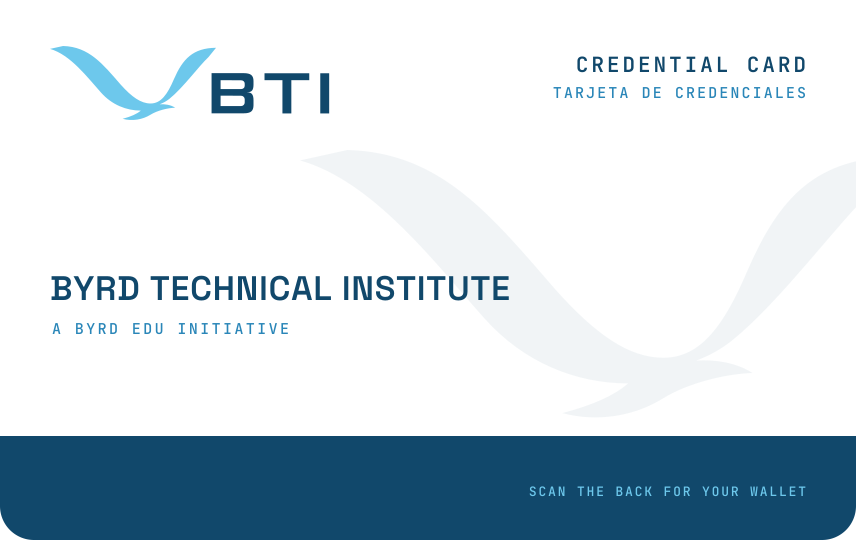
You carry one card. Its QR code opens your wallet, where every level you earn shows as a badge and every certification as part of your collection. Each certification also earns a black certification card to keep and a certificate to frame.Usted lleva una sola tarjeta. Su código QR abre su cartera, donde cada nivel que gana aparece como una insignia y cada certificación como parte de su colección. Cada certificación además le da una tarjeta negra de certificación para guardar y un certificado para enmarcar.
- To carryPara llevar
- One cardUna tarjeta
- Behind itDetrás
- Your wallet: every badge and certificationSu cartera: cada insignia y certificación
- To collectPara coleccionar
- A black card and a certificate for each certificationUna tarjeta negra y un certificado por certificación
- To validatePara validar
- Scan its QR codeEscanee su código QR
The walletLa cartera
A badge for every level.Una insignia por cada nivel.
Every level you earn is a badge in your wallet, with the month you earned it and what it opens. A host's staff scan your card to see them. Turn a badge over to read it.Cada nivel que gana es una insignia en su cartera, con el mes en que la ganó y lo que abre. El personal de una sede escanea su tarjeta para verlas. Voltee una insignia para leerla.
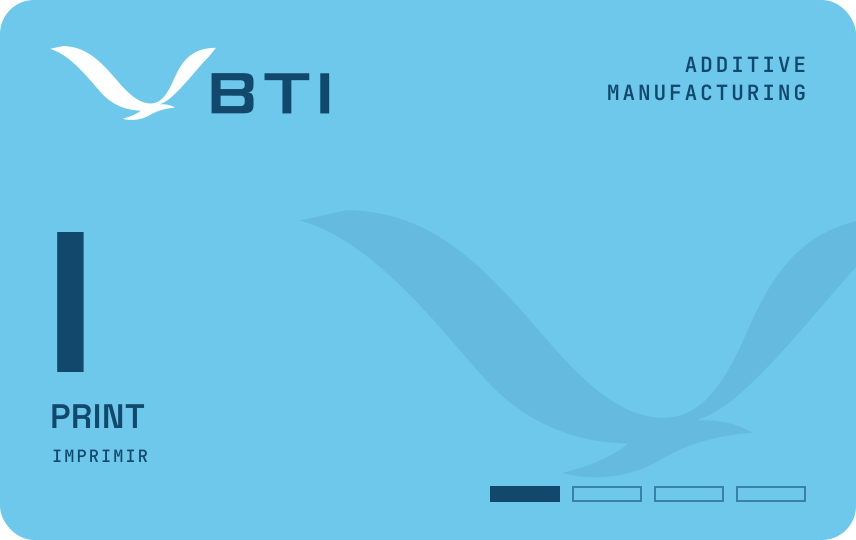
Additive manufacturing · Layer IManufactura aditiva · Capa I
PrintImprimir
The Print badge, which a host can use to open its 3D printers to the holder, free.La insignia Imprimir, que una sede puede usar para abrir sus impresoras 3D a su titular, gratis.
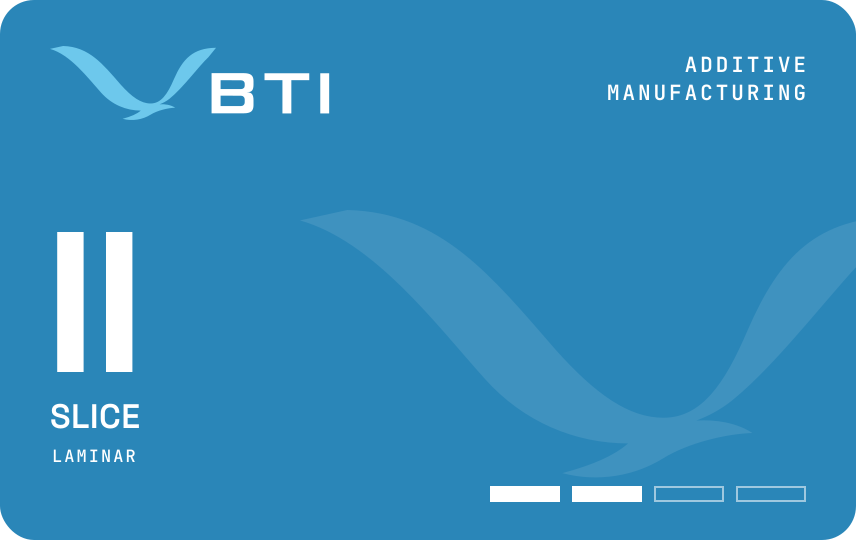
Additive manufacturing · Layer IIManufactura aditiva · Capa II
SliceLaminar
The Slice badge, earned after Print.La insignia Laminar, después de la insignia Imprimir.
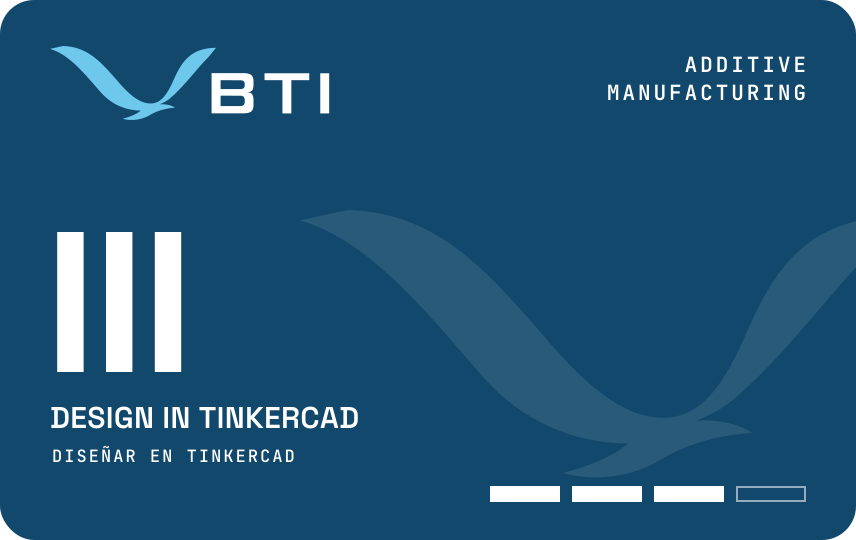
Additive manufacturing · Layer IIIManufactura aditiva · Capa III
Design in TinkercadDiseñar en Tinkercad
The Design badge, earned after Slice.La insignia Diseñar, después de la insignia Laminar.
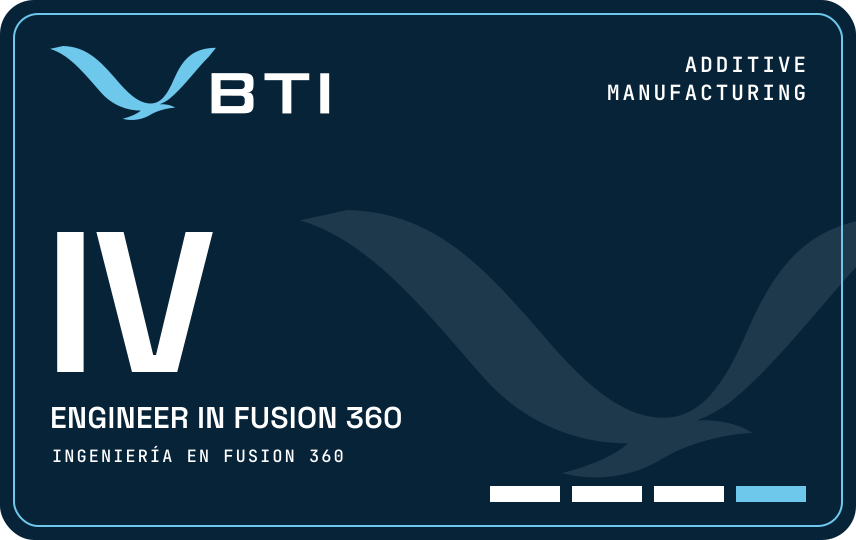
Additive manufacturing · Layer IVManufactura aditiva · Capa IV
Engineer in Fusion 360Ingeniería en Fusion 360
The Engineer badge: the top of the track, and the door to further study.La insignia Ingeniería: la cima de la ruta y la puerta para seguir estudiando.
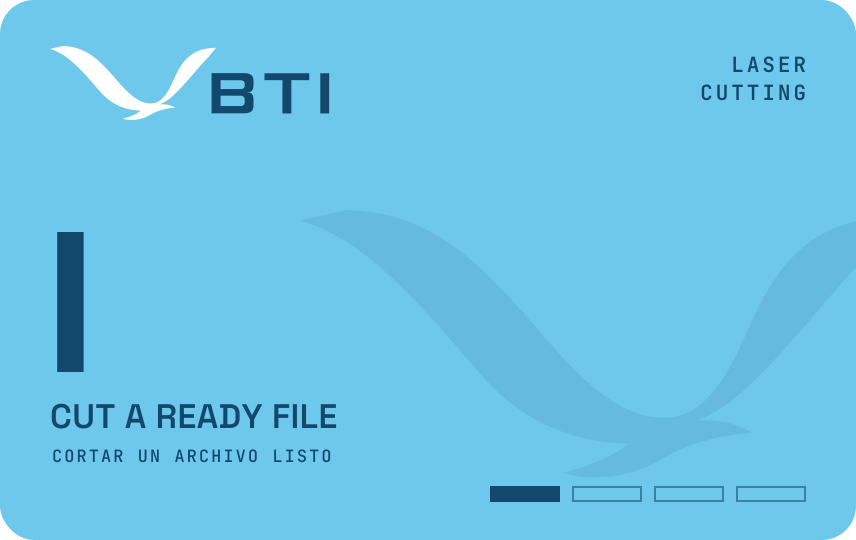
Laser cutting · Layer ICorte láser · Capa I
Cut a ready fileCortar un archivo listo
The Cut badge, the first of the track.La insignia Cortar, la primera de la ruta.
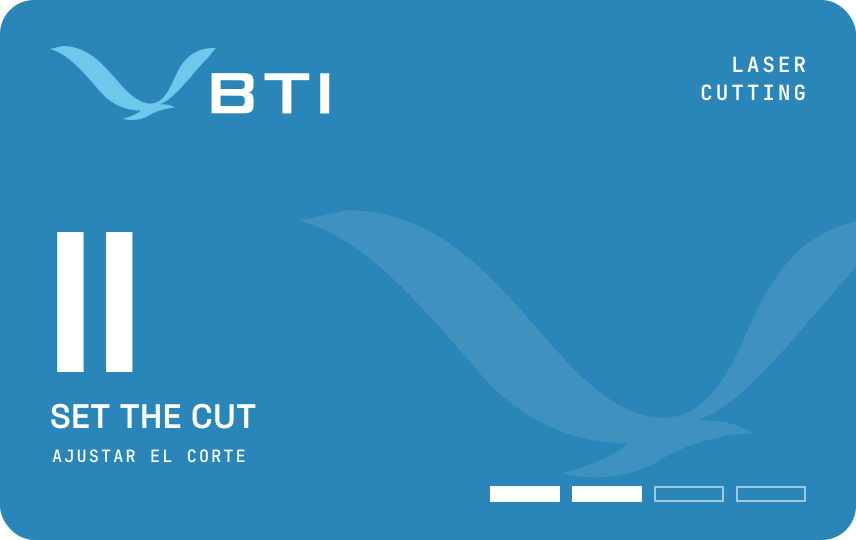
Laser cutting · Layer IICorte láser · Capa II
Set the cutAjustar el corte
The Settings badge, earned after Cut.La insignia Ajustes, después de la insignia Cortar.
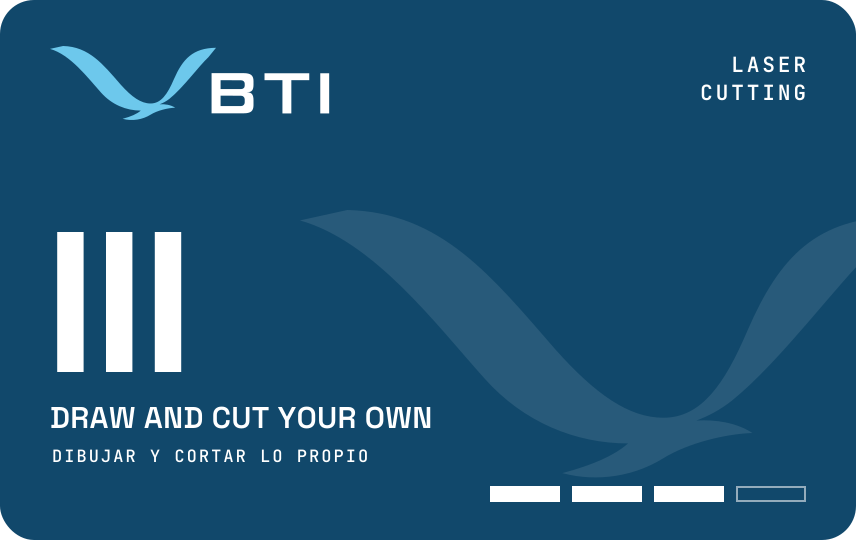
Laser cutting · Layer IIICorte láser · Capa III
Draw and cut your ownDibujar y cortar lo propio
The Vector badge, earned after Settings.La insignia Vector, después de la insignia Ajustes.
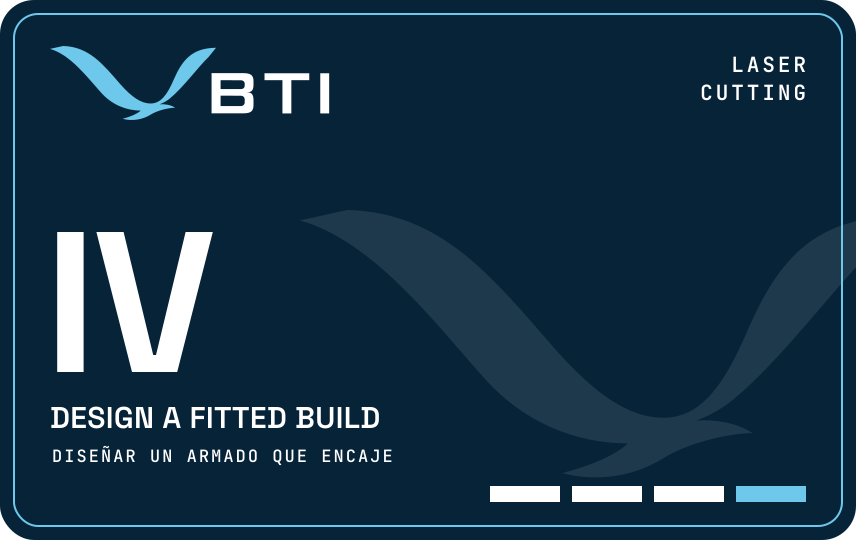
Laser cutting · Layer IVCorte láser · Capa IV
Design a fitted buildDiseñar un armado que encaje
The Fit badge: the top of the track, and the door to further study.La insignia Ajuste: la cima de la ruta y la puerta para seguir estudiando.
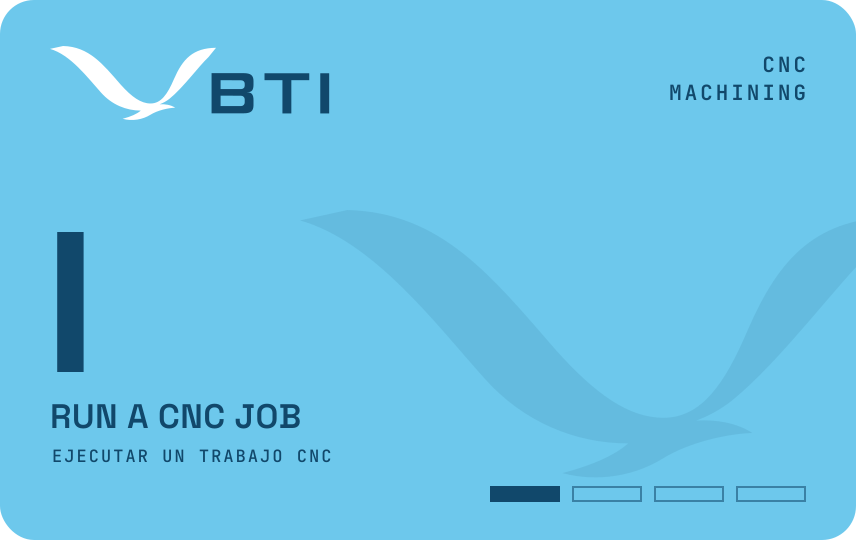
CNC machining · Layer IMaquinado CNC · Capa I
Run a CNC jobEjecutar un trabajo CNC
The Run badge, the first of the track.La insignia Ejecutar, la primera de la ruta.
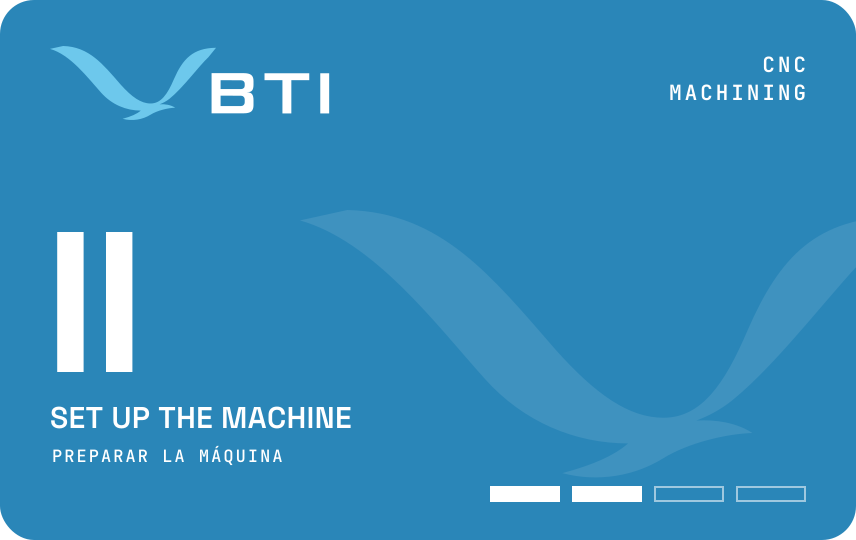
CNC machining · Layer IIMaquinado CNC · Capa II
Set up the machinePreparar la máquina
The Setup badge, earned after Run.La insignia Preparar, después de la insignia Ejecutar.
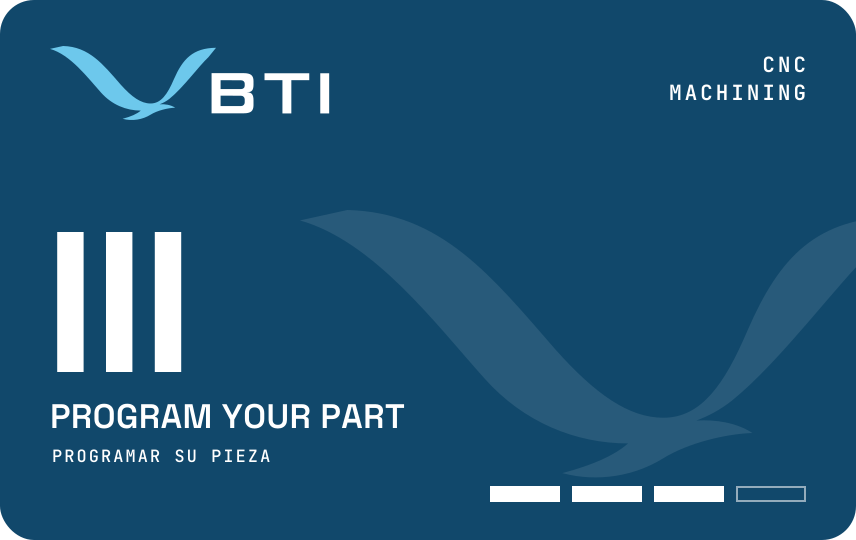
CNC machining · Layer IIIMaquinado CNC · Capa III
Program your partProgramar su pieza
The Toolpath badge, earned after Setup.La insignia Trayectoria, después de la insignia Preparar.
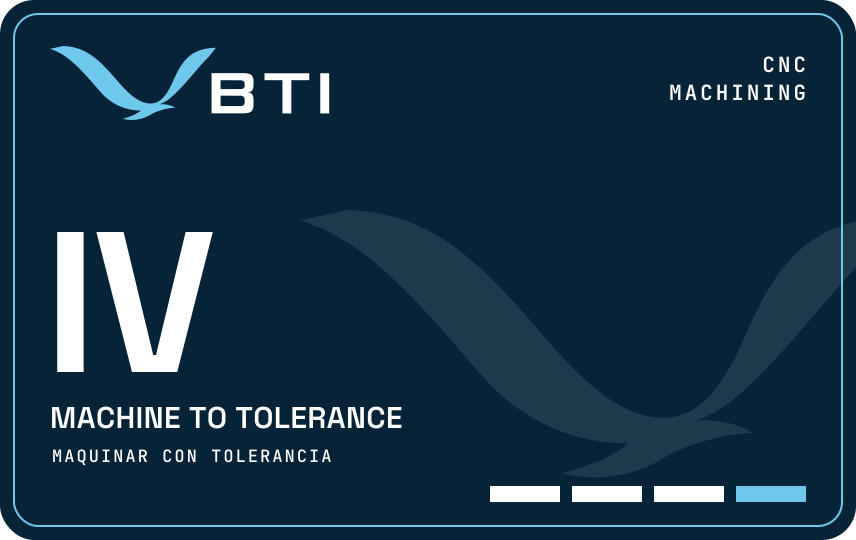
CNC machining · Layer IVMaquinado CNC · Capa IV
Machine to toleranceMaquinar con tolerancia
The Tolerance badge: the top of the track, and the door to further study.La insignia Tolerancia: la cima de la ruta y la puerta para seguir estudiando.
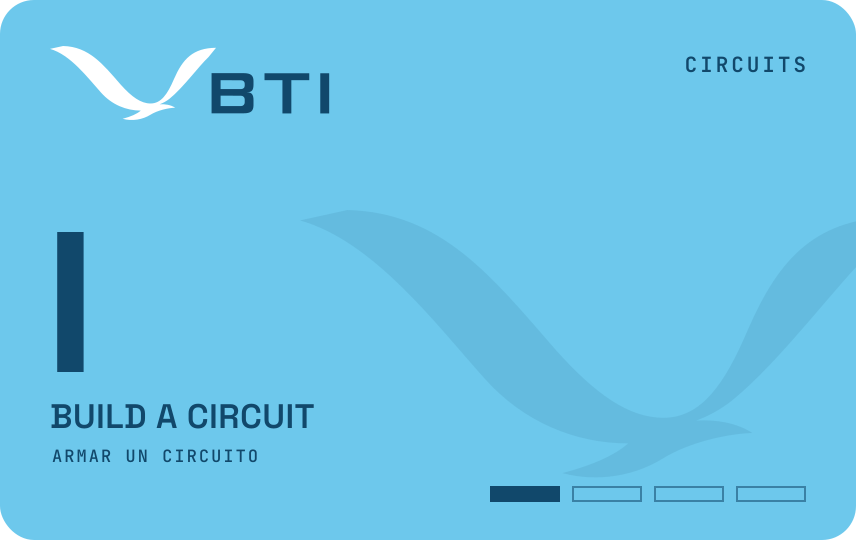
Circuits · Layer ICircuitos · Capa I
Build a circuitArmar un circuito
The Circuit badge, the first of the track.La insignia Circuito, la primera de la ruta.
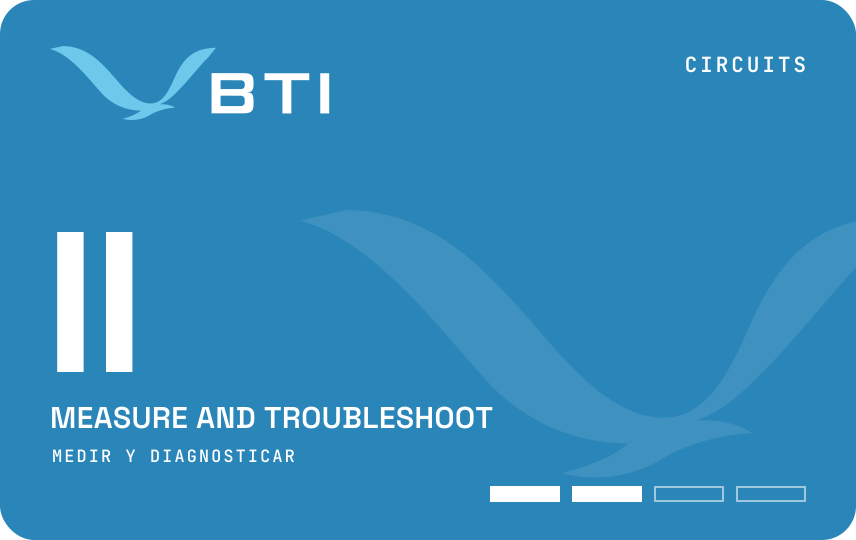
Circuits · Layer IICircuitos · Capa II
Measure and troubleshootMedir y diagnosticar
The Meter badge, earned after Circuit.La insignia Medidor, después de la insignia Circuito.
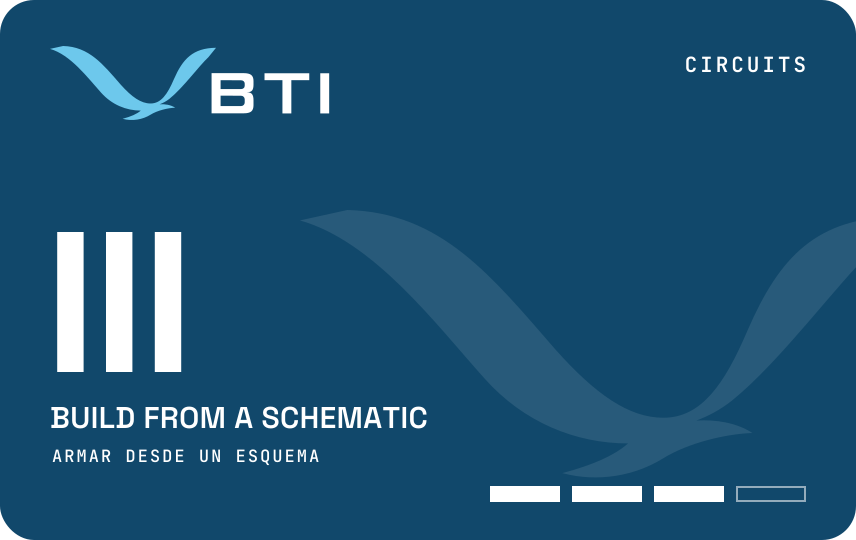
Circuits · Layer IIICircuitos · Capa III
Build from a schematicArmar desde un esquema
The Prototype badge, earned after Meter.La insignia Prototipo, después de la insignia Medidor.
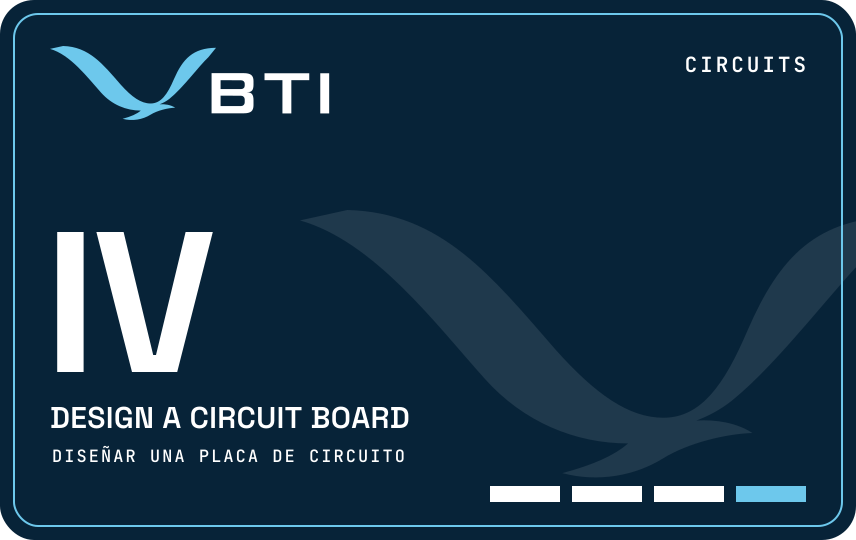
Circuits · Layer IVCircuitos · Capa IV
Design a circuit boardDiseñar una placa de circuito
The Board badge: the top of the track, and the door to further study.La insignia Placa: la cima de la ruta y la puerta para seguir estudiando.
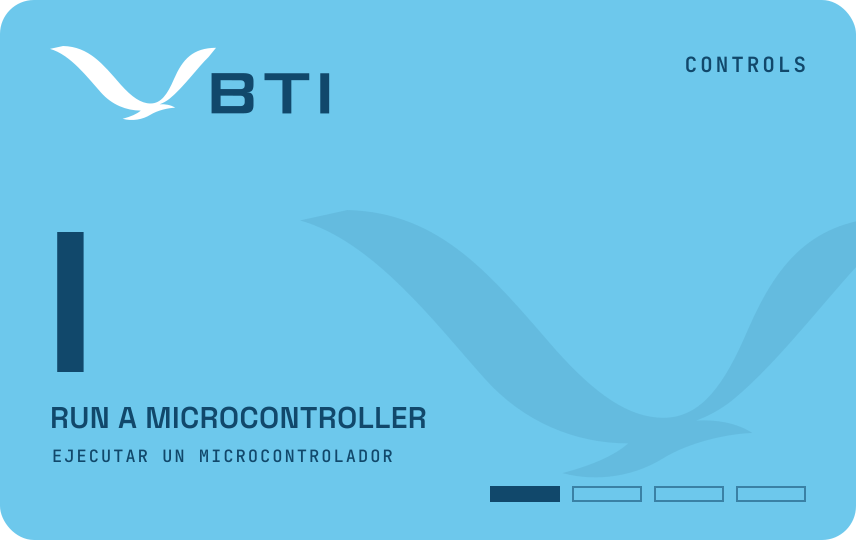
Controls · Layer IControl · Capa I
Run a microcontrollerEjecutar un microcontrolador
The Microcontroller badge, the first of the track.La insignia Microcontrolador, la primera de la ruta.
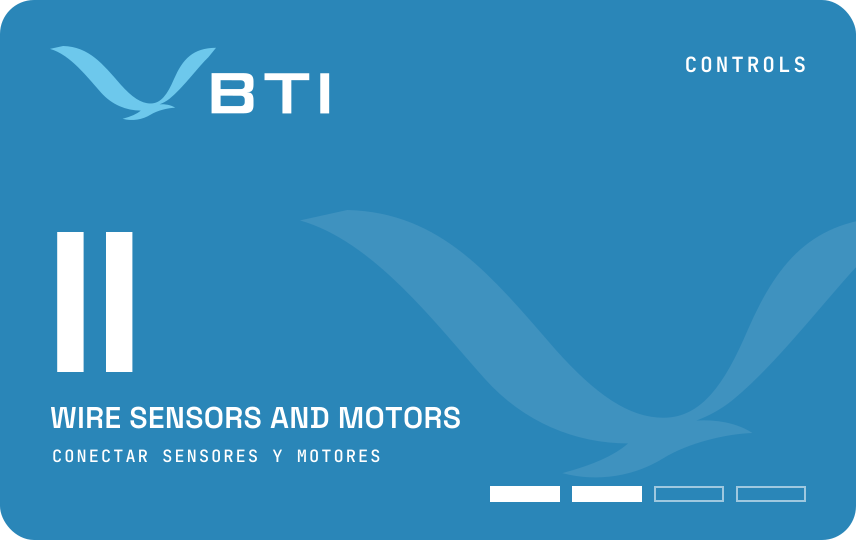
Controls · Layer IIControl · Capa II
Wire sensors and motorsConectar sensores y motores
The Sensors badge, earned after Microcontroller.La insignia Sensores, después de la insignia Microcontrolador.
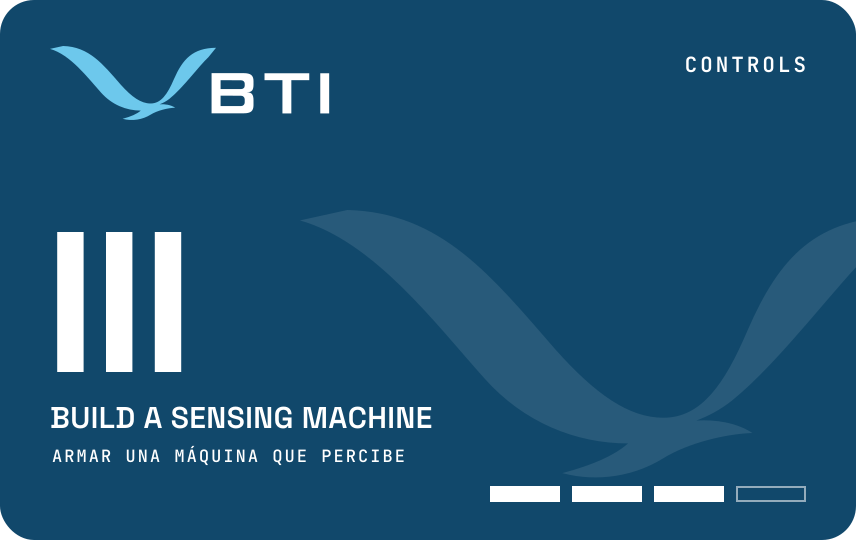
Controls · Layer IIIControl · Capa III
Build a sensing machineArmar una máquina que percibe
The Machine badge, earned after Sensors.La insignia Máquina, después de la insignia Sensores.
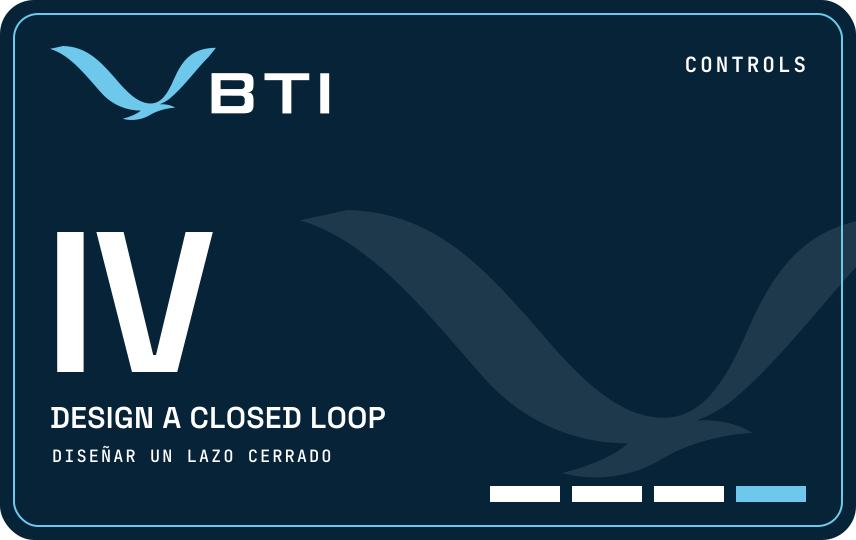
Controls · Layer IVControl · Capa IV
Design a closed loopDiseñar un lazo cerrado
The Loop badge: the top of the track, and the door to further study.La insignia Lazo: la cima de la ruta y la puerta para seguir estudiando.
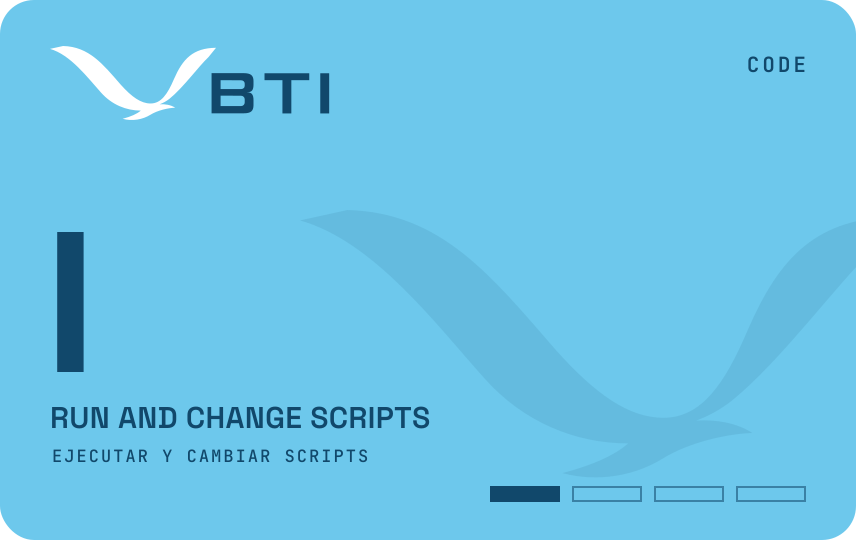
Code · Layer ICódigo · Capa I
Run and change scriptsEjecutar y cambiar scripts
The Script badge, the first of the track.La insignia Script, la primera de la ruta.
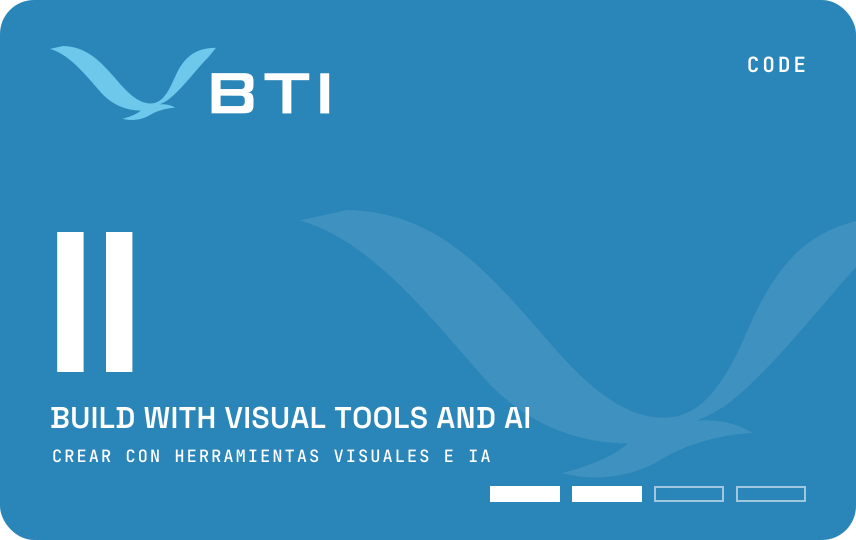
Code · Layer IICódigo · Capa II
Build with visual tools and AICrear con herramientas visuales e IA
The Logic badge, earned after Script.La insignia Lógica, después de la insignia Script.
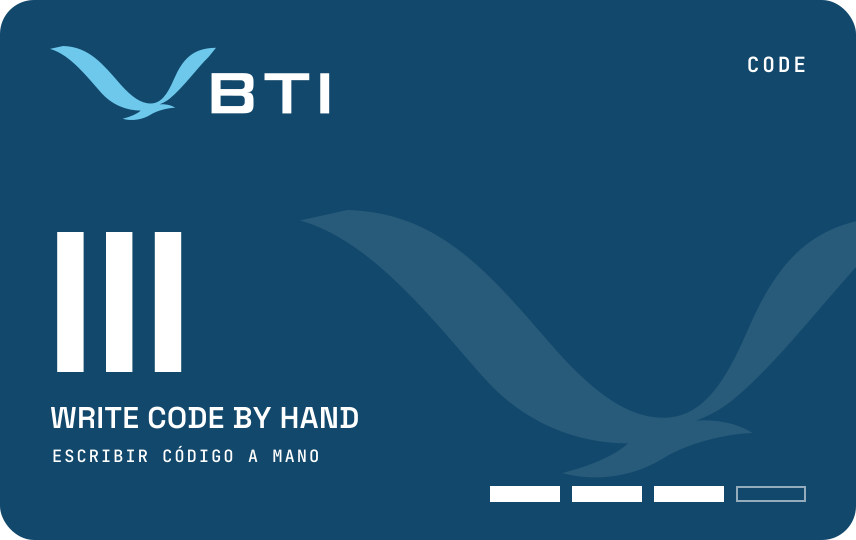
Code · Layer IIICódigo · Capa III
Write code by handEscribir código a mano
The Code badge, earned after Logic.La insignia Código, después de la insignia Lógica.
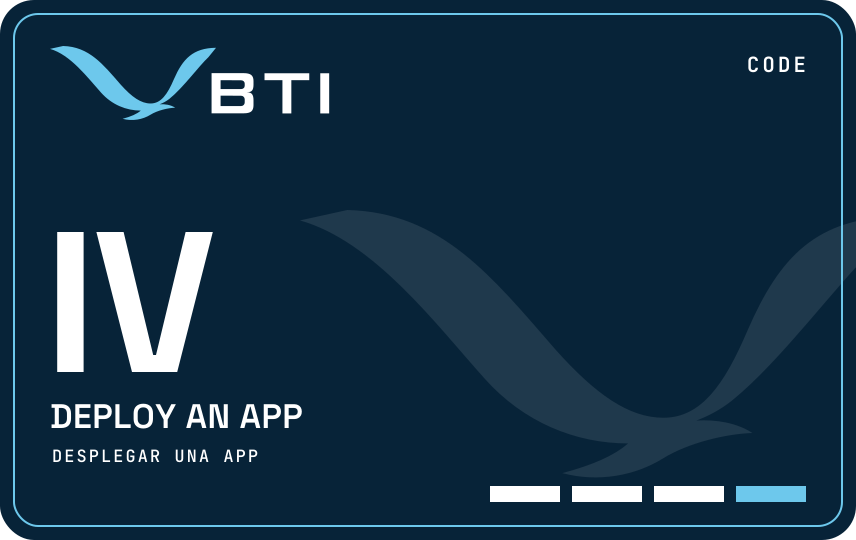
Code · Layer IVCódigo · Capa IV
Deploy an appDesplegar una app
The Deploy badge: the top of the track, and the door to further study.La insignia Despliegue: la cima de la ruta y la puerta para seguir estudiando.
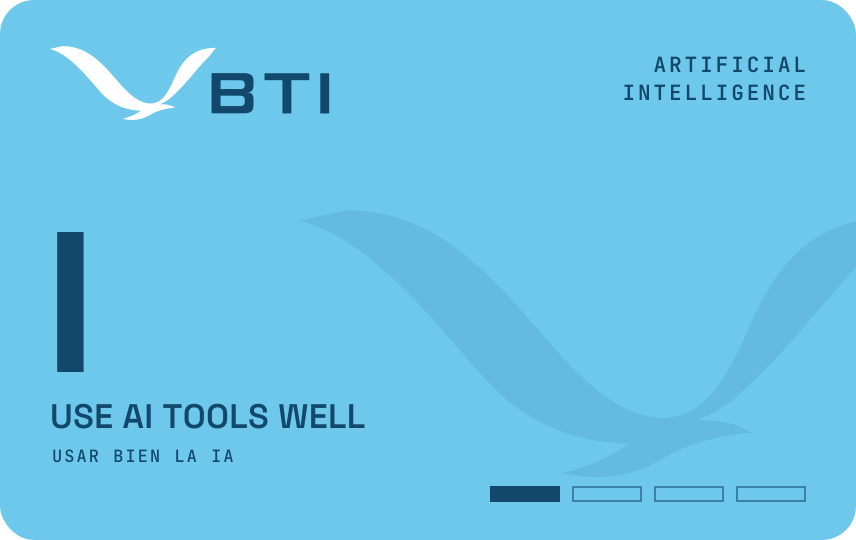
Artificial intelligence · Layer IInteligencia artificial · Capa I
Use AI tools wellUsar bien la IA
The Prompt badge, the first of the track.La insignia Instrucción, la primera de la ruta.
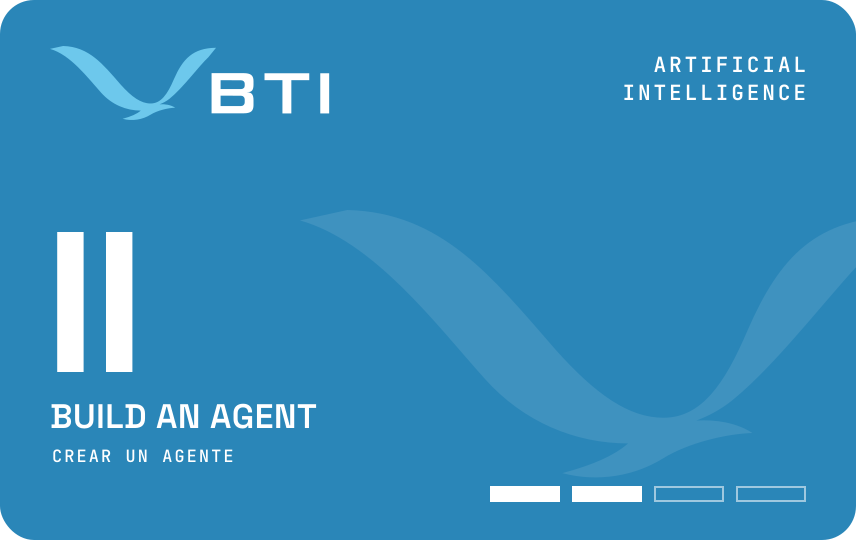
Artificial intelligence · Layer IIInteligencia artificial · Capa II
Build an agentCrear un agente
The Agent badge, earned after Prompt.La insignia Agente, después de la insignia Instrucción.
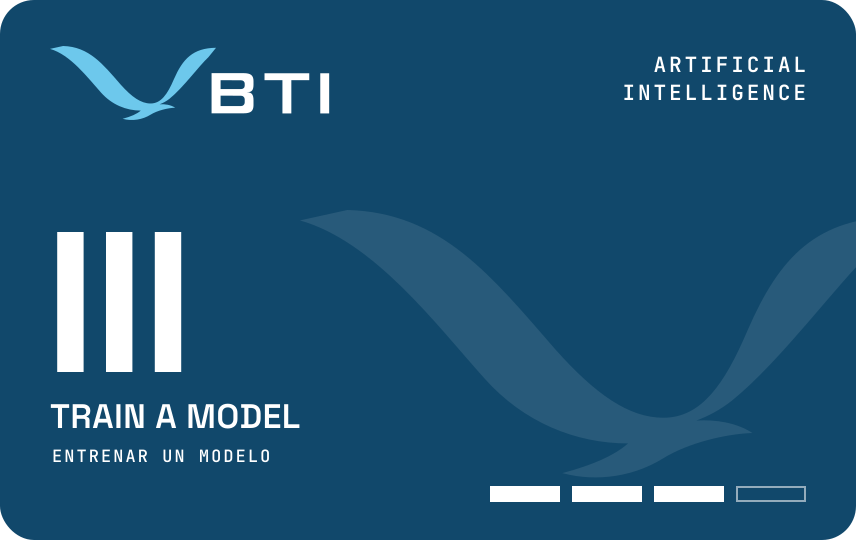
Artificial intelligence · Layer IIIInteligencia artificial · Capa III
Train a modelEntrenar un modelo
The Train badge, earned after Agent.La insignia Entrenar, después de la insignia Agente.
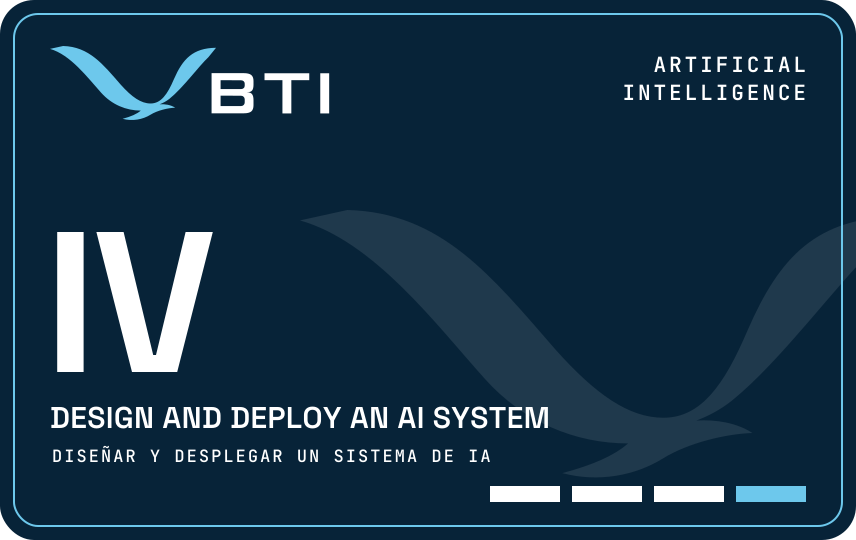
Artificial intelligence · Layer IVInteligencia artificial · Capa IV
Design and deploy an AI systemDiseñar y desplegar un sistema de IA
The System badge: the top of the track, and the door to further study.La insignia Sistema: la cima de la ruta y la puerta para seguir estudiando.
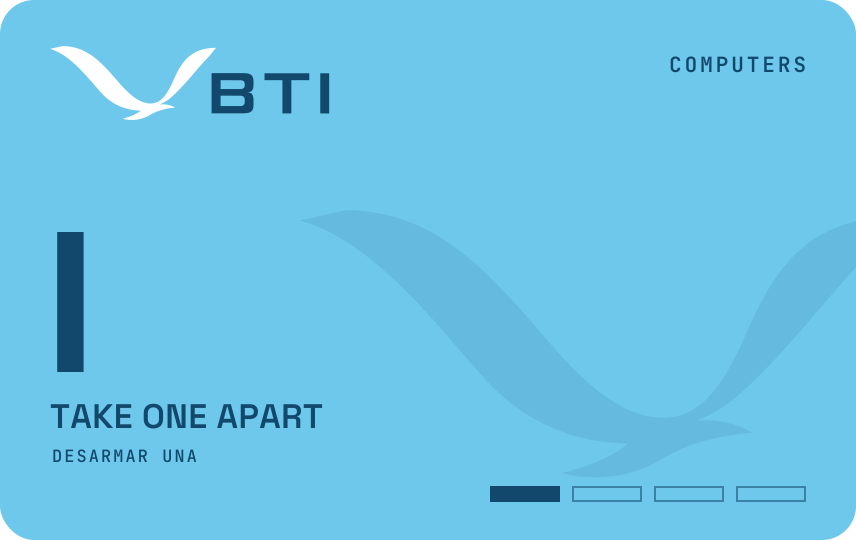
Computers · Layer IComputadoras · Capa I
Take one apartDesarmar una
The Hardware badge, the first of the track.La insignia Hardware, la primera de la ruta.
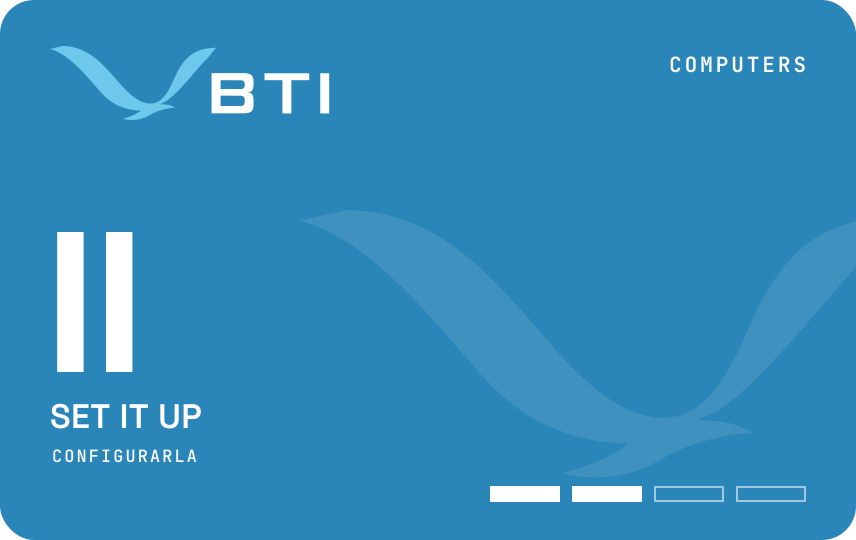
Computers · Layer IIComputadoras · Capa II
Set it upConfigurarla
The System badge, earned after Hardware.La insignia Sistema, después de la insignia Hardware.
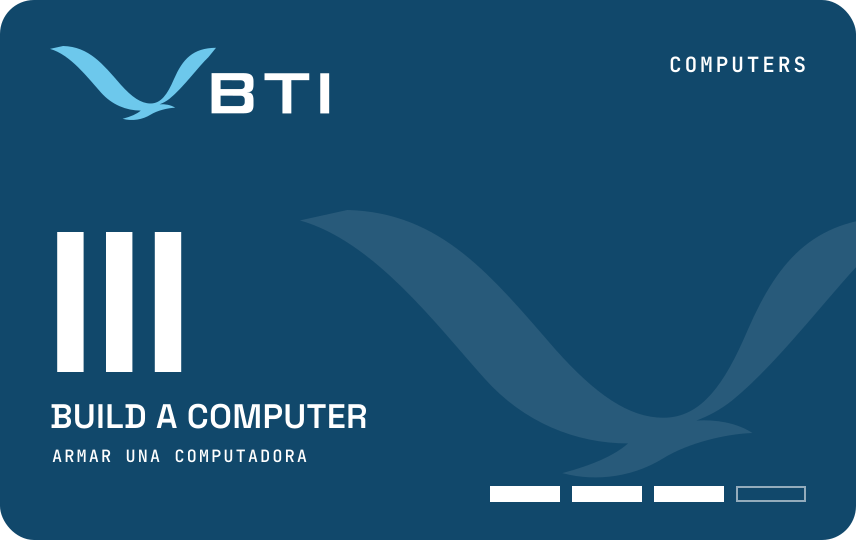
Computers · Layer IIIComputadoras · Capa III
Build a computerArmar una computadora
The Build badge, earned after System.La insignia Armar, después de la insignia Sistema.
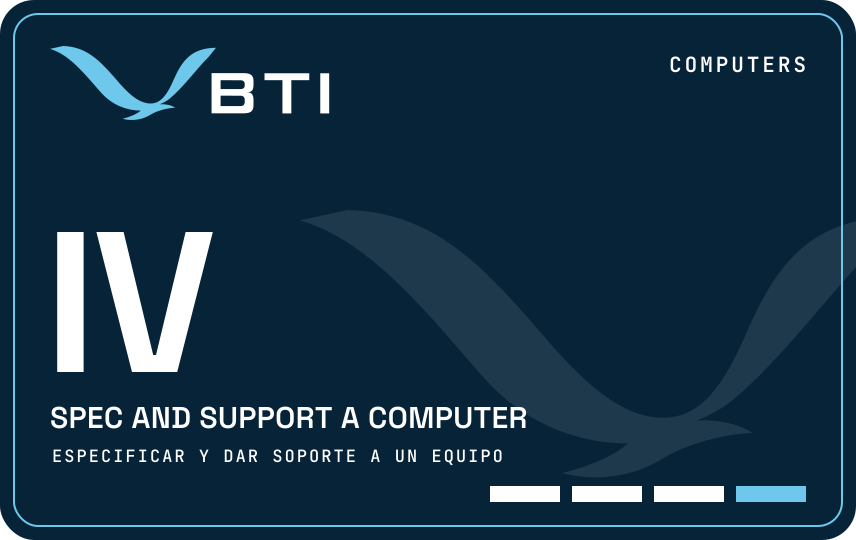
Computers · Layer IVComputadoras · Capa IV
Spec and support a computerEspecificar y dar soporte a un equipo
The Support badge: the top of the track, and the door to further study.La insignia Soporte: la cima de la ruta y la puerta para seguir estudiando.
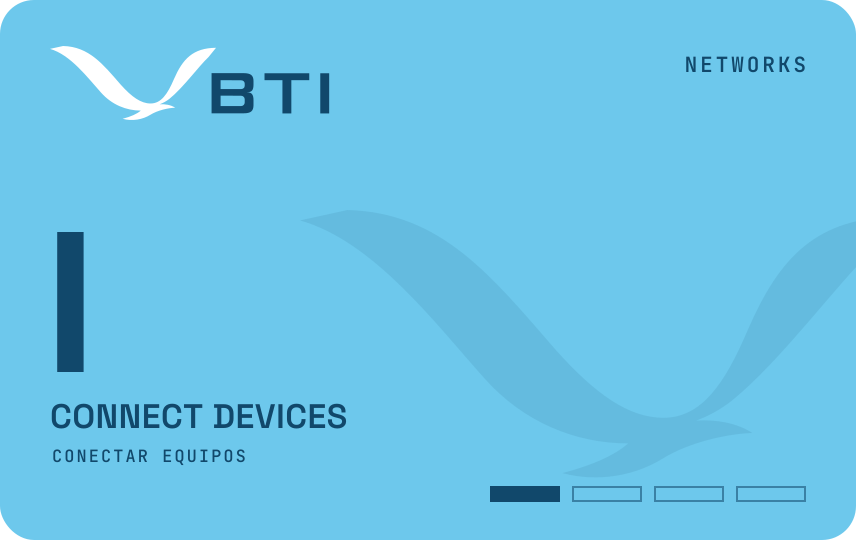
Networks · Layer IRedes · Capa I
Connect devicesConectar equipos
The Connect badge, the first of the track.La insignia Conectar, la primera de la ruta.
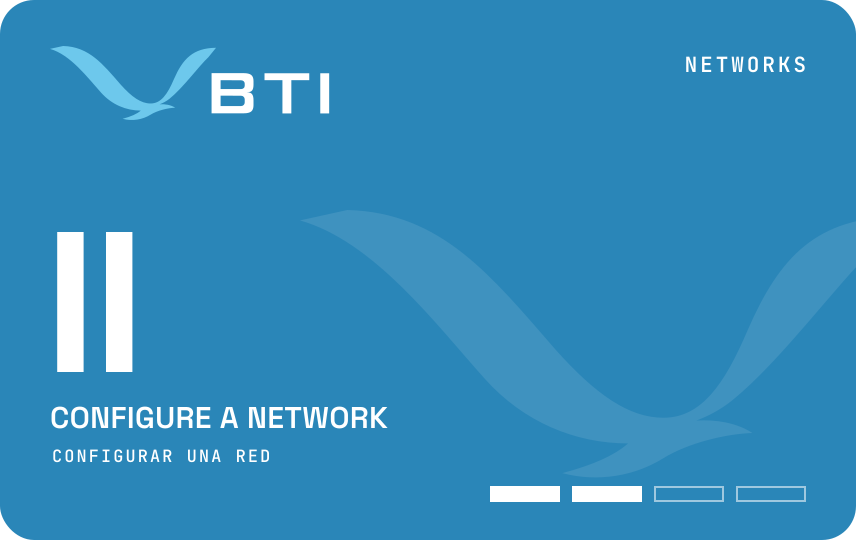
Networks · Layer IIRedes · Capa II
Configure a networkConfigurar una red
The Configure badge, earned after Connect.La insignia Configurar, después de la insignia Conectar.
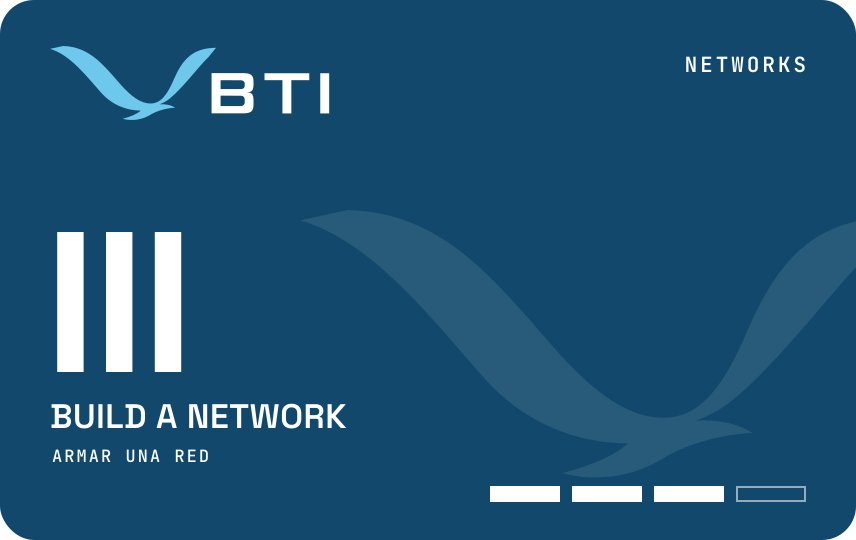
Networks · Layer IIIRedes · Capa III
Build a networkArmar una red
The Build badge, earned after Configure.La insignia Armar, después de la insignia Configurar.
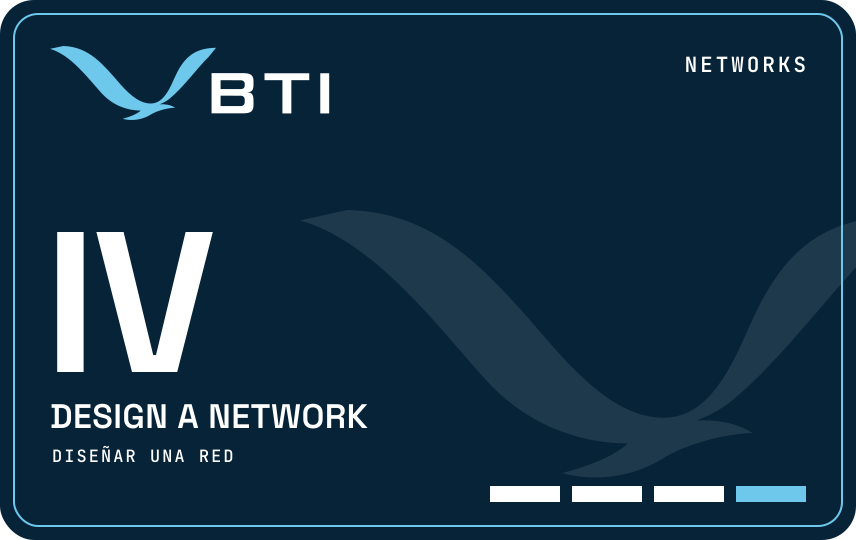
Networks · Layer IVRedes · Capa IV
Design a networkDiseñar una red
The Network badge: the top of the track, and the door to further study.La insignia Red: la cima de la ruta y la puerta para seguir estudiando.
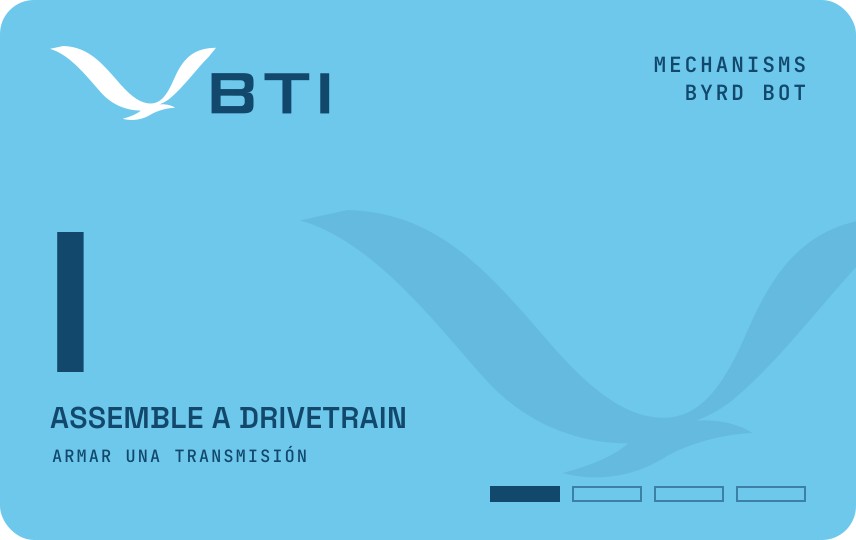
Mechanisms · Layer IMecanismos · Capa I
Assemble a drivetrainArmar una transmisión
The Drivetrain badge, the first of the track.La insignia Transmisión, la primera de la ruta.
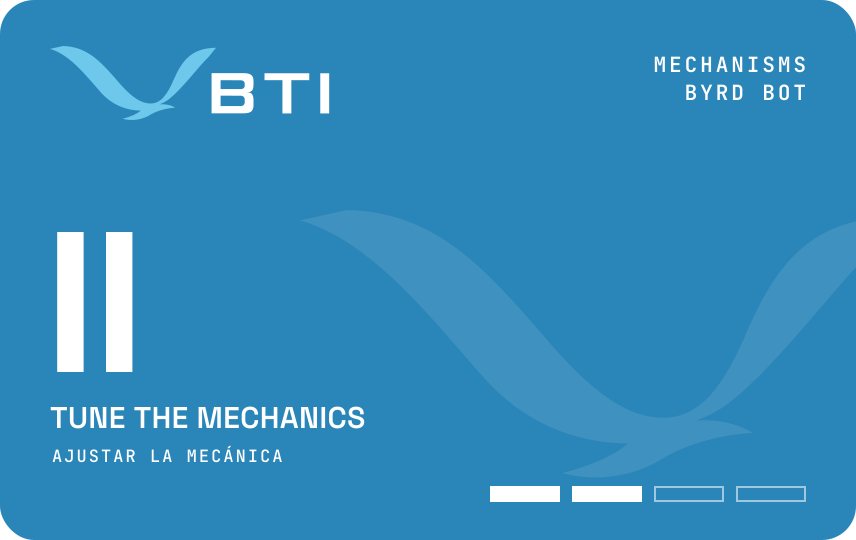
Mechanisms · Layer IIMecanismos · Capa II
Tune the mechanicsAjustar la mecánica
The Tune badge, earned after Drivetrain.La insignia Ajuste, después de la insignia Transmisión.
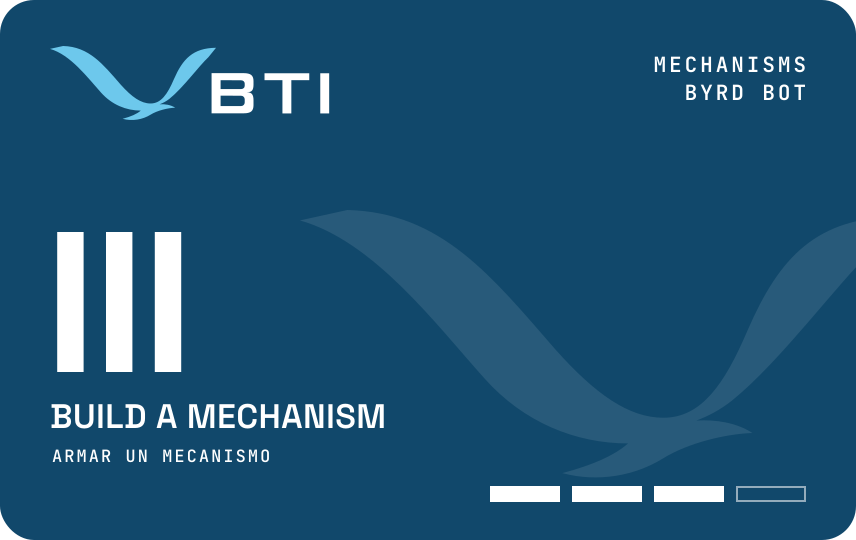
Mechanisms · Layer IIIMecanismos · Capa III
Build a mechanismArmar un mecanismo
The Mechanism badge, earned after Tune.La insignia Mecanismo, después de la insignia Ajuste.
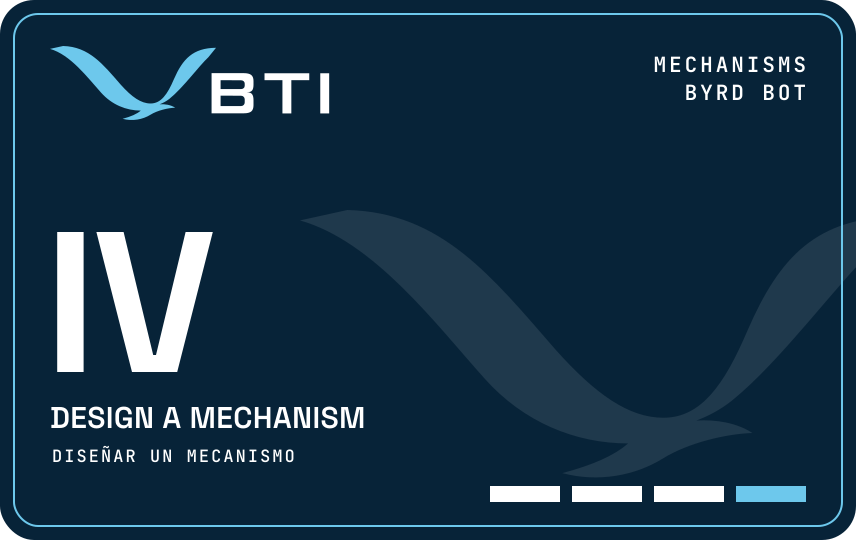
Mechanisms · Layer IVMecanismos · Capa IV
Design a mechanismDiseñar un mecanismo
The Design badge: the top of the track, and the door to further study.La insignia Diseño: la cima de la ruta y la puerta para seguir estudiando.
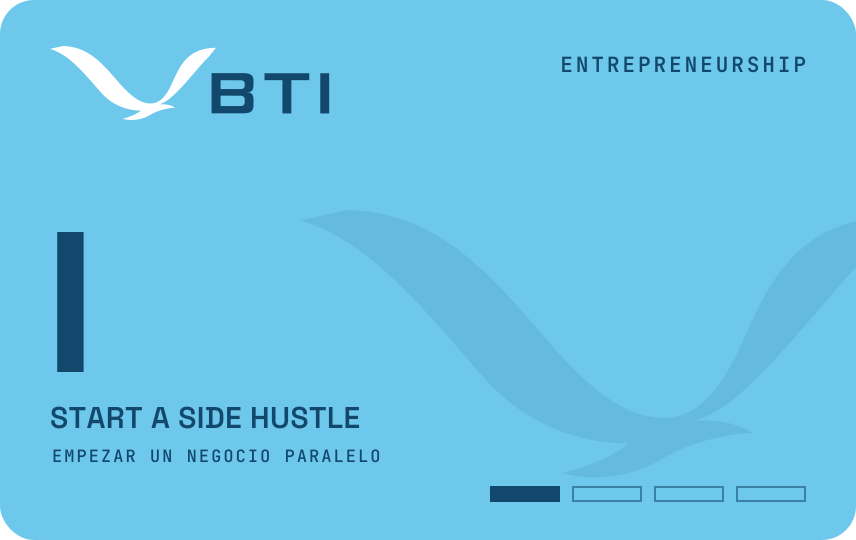
Entrepreneurship · Layer IEmprendimiento · Capa I
Start a side hustleEmpezar un negocio paralelo
The First Sale badge, the first of the track.La insignia Primera Venta, la primera de la ruta.
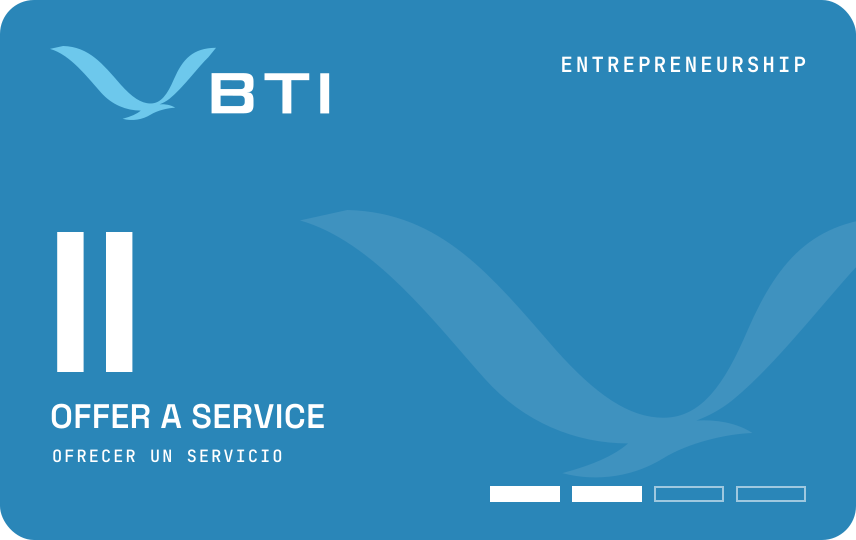
Entrepreneurship · Layer IIEmprendimiento · Capa II
Offer a serviceOfrecer un servicio
The Service badge, earned after First Sale.La insignia Servicio, después de la insignia Primera Venta.
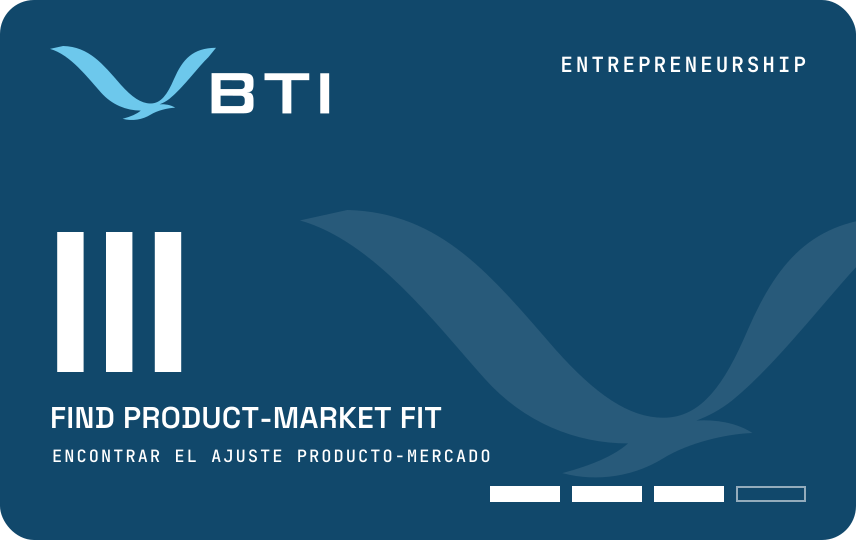
Entrepreneurship · Layer IIIEmprendimiento · Capa III
Find product-market fitEncontrar el ajuste producto-mercado
The Store badge, earned after Service.La insignia Tienda, después de la insignia Servicio.
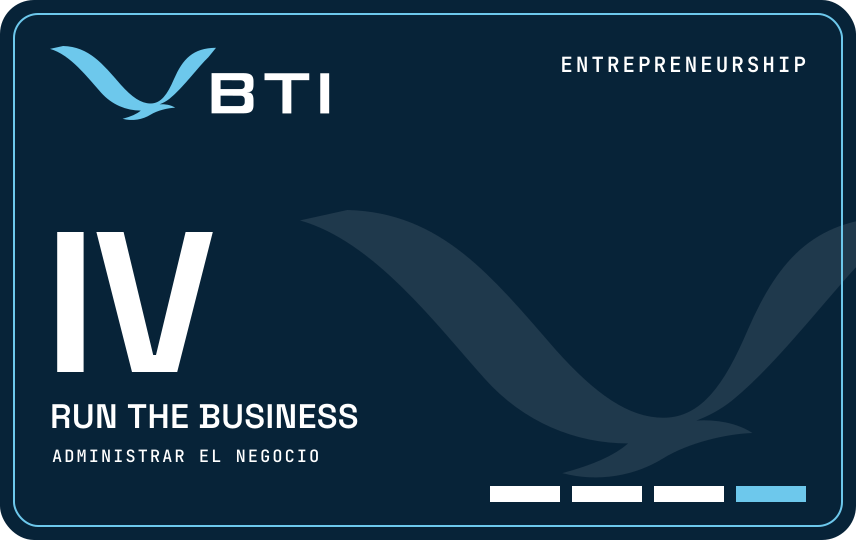
Entrepreneurship · Layer IVEmprendimiento · Capa IV
Run the businessAdministrar el negocio
The Business badge: the top of the track, and the door to further study.La insignia Negocio: la cima de la ruta y la puerta para seguir estudiando.
The collectionLa colección
A card and a certificate for every certification.Una tarjeta y un certificado por cada certificación.
Hold Level IV in every track a certification gathers, and it joins your collection: a black certification card with the MESH’D colors, to keep, and a certificate, to frame, each with a QR code that opens it in your wallet. A second certification earns a second card.Obtenga el Nivel IV en cada ruta que reúne una certificación, y se suma a su colección: una tarjeta negra de certificación con los colores de MESH’D, para guardar, y un certificado, para enmarcar, cada uno con un código QR que la abre en su cartera. Una segunda certificación le da una segunda tarjeta.
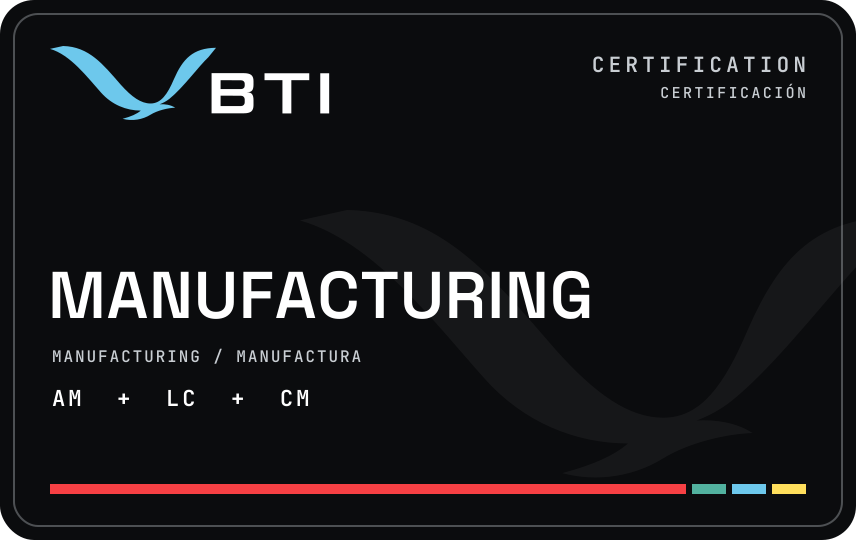
ManufacturingManufactura
Additive manufacturingManufactura aditiva Laser cuttingCorte láser CNC machiningMaquinado CNC
See the certificationVea la certificación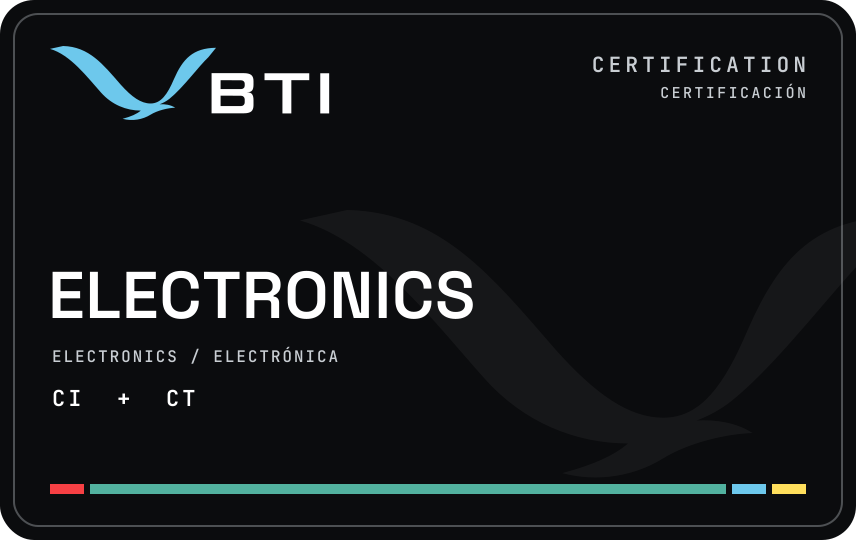
ElectronicsElectrónica
CircuitsCircuitos ControlsControl
See the certificationVea la certificación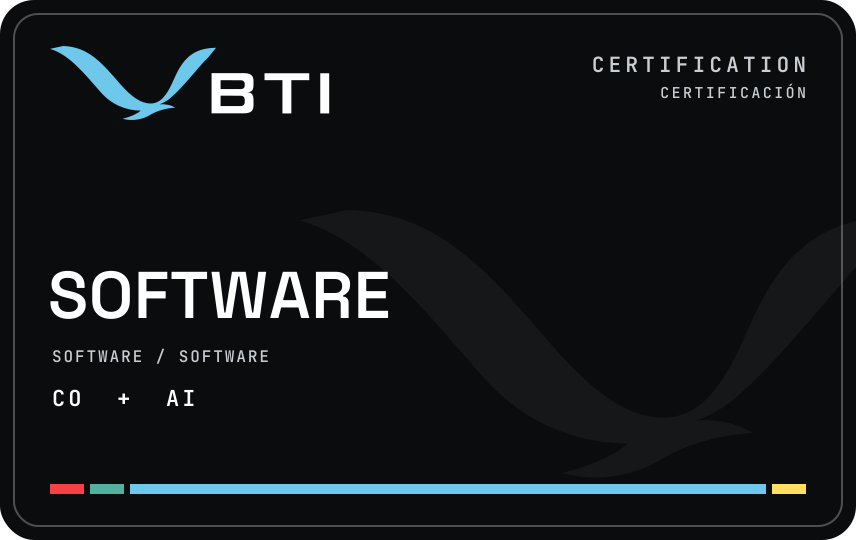
SoftwareSoftware
CodeCódigo Artificial intelligenceInteligencia artificial
See the certificationVea la certificación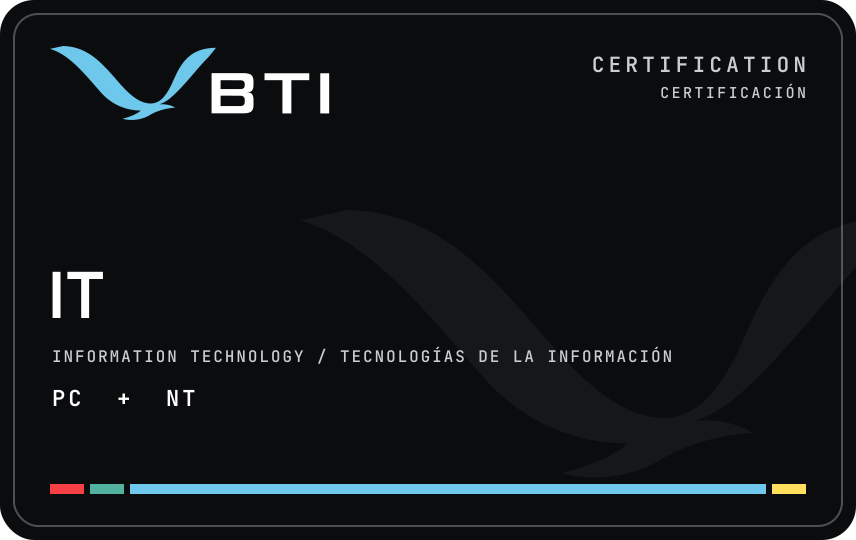
Information technologyTecnologías de la información
ComputersComputadoras NetworksRedes
See the certificationVea la certificación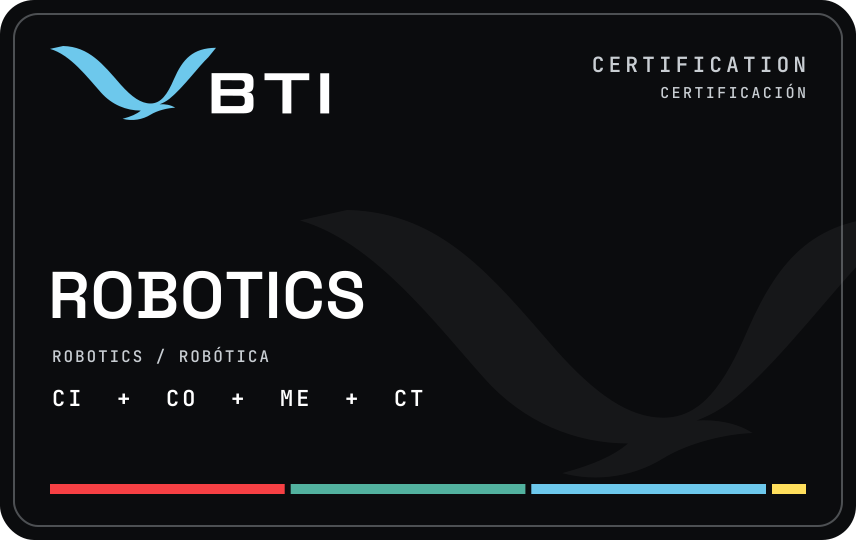
RoboticsRobótica
CircuitsCircuitos CodeCódigo MechanismsMecanismos ControlsControl
See the certificationVea la certificación
Validate a cardValidar una tarjeta
Confirm a card is real.Confirme que una tarjeta es real.
Employers, libraries and schools can check any BTI card. Scan the QR code on the card, or type the ID printed under it, and the answer shows what it holds and whether it is valid. It never shows a name. For an older card without an ID, write or call Byrd EDU.Los empleadores, bibliotecas y escuelas pueden verificar cualquier tarjeta de BTI. Escanee el código QR de la tarjeta, o escriba el ID impreso debajo, y la respuesta muestra lo que contiene y si es válida. Nunca muestra un nombre. Para una tarjeta antigua sin ID, escriba o llame a Byrd EDU.